


A parent’s guide to School Gateway
School Gateway: login, PIN and school messages made simple
Need the School Gateway login or a new PIN? Start with the email address and mobile number your school holds.
A few simple steps
How to use School Gateway
- 1Check school has your current email and mobile number.
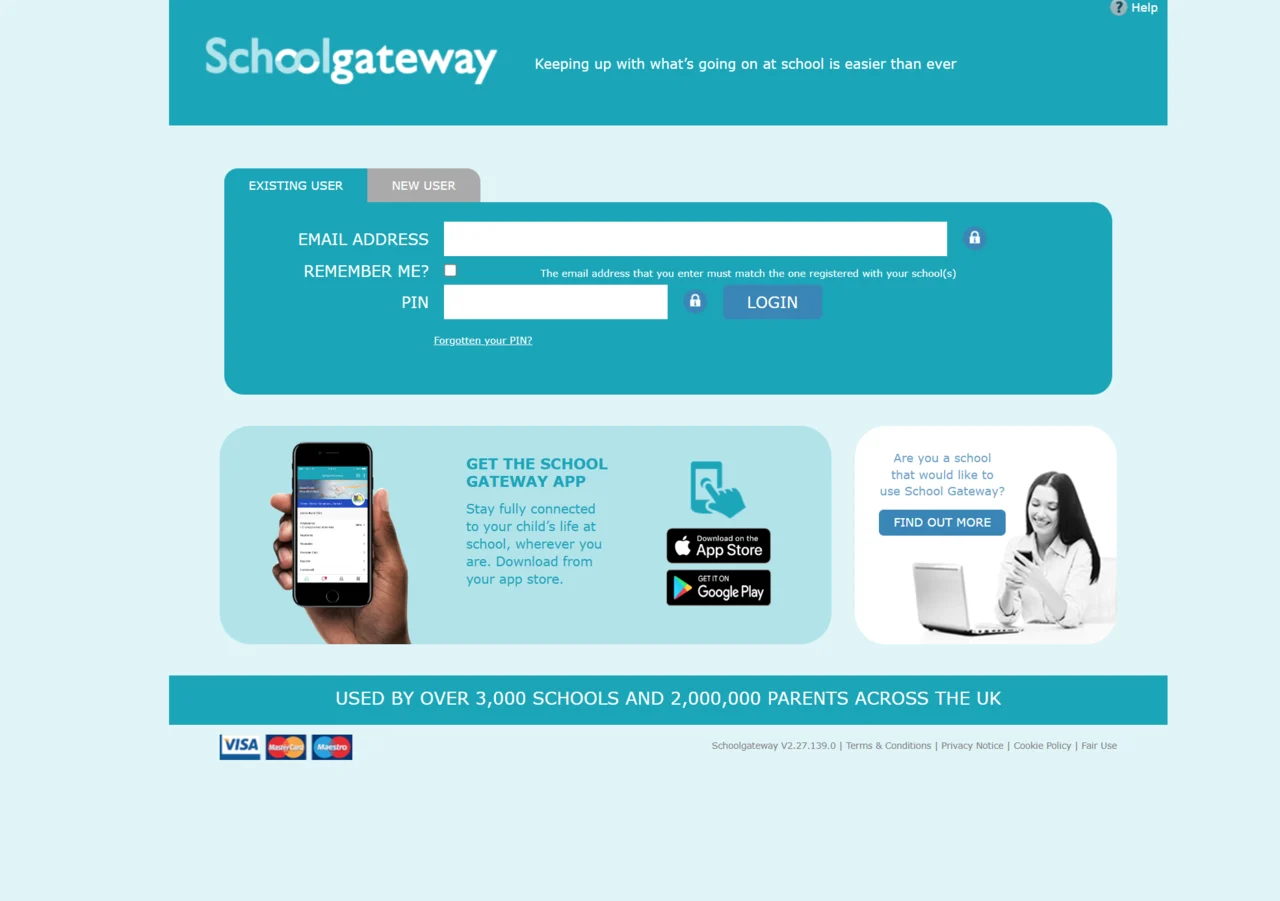
- 2Open the official School Gateway app or website.
- 3Choose the new-user or sign-up option.
- 4Enter the same email and mobile number school has on record.
- 5Request your PIN and check your text messages.
- 6Sign in with your email and PIN.
- 7Check the messages and features your school provides.
Keep it manageable
Top 5 School Gateway tips
- School Gateway PIN not received? Check your email and mobile number with school.
- Forgotten your PIN? Use the official recovery option.
- Keep your PIN private.
- Allow app notifications if you want them.
- Check which child and school a message concerns.
A routine that works for you
How to optimise your School Gateway routine
Parent Push is a personal assistant for school updates - actually important to you.
Keep School Gateway for school messages and tasks. Parent Push can help with updates sent to your connected email inbox.
Choose words such as “breakfast club” or “school trip” for matching WhatsApp alerts. Messages that stay only in the app are not covered.
Less searching. More headspace.
Read the original message before booking or paying. Parent Push does not reserve places or make payments.
School Gateway help for parents
Why have I not received my School Gateway PIN?
Your registration email and mobile number must match the details your school holds. Ask school to check both, then follow the official PIN instructions. For a forgotten PIN, use the recovery option on the official login page.
How do I register for School Gateway?
In the app, choose “Sign Up”. Enter the email address and mobile number your school holds, then choose “Send PIN”. Your PIN arrives by text. You can also register using the official School Gateway website.
What if I have forgotten my School Gateway PIN?
Choose “Forgotten your PIN?” on the official login page and follow its instructions. If you cannot receive the reset message, ask your school to check your contact details.
Can Parent Push help with School Gateway emails?
Yes, when updates reach your connected email inbox. Choose words such as “breakfast club” for matching WhatsApp alerts. Keep School Gateway for messages, replies and bookings. Parent Push does not check messages kept only in the app.
Still stuck? Your school office can check missing invitations, children and school payment items.
Find your school’s contact details in England
Outside England, use your school’s own website.